Free template

Fault report

Capture and manage faults directly from the field

Report faults and incidents digitally, including location, affected equipment, severity, photos, and on-site findings. Record corrective actions directly in the field and automatically generate a professional report once the form is submitted.

0 min
admin time after submitting
100%
offline available
instant
branded report sent
No credit card needed
Live in 2 minutes
G2 Logo
4.4
on G2
App Store logo
4.5
on iOS
Google Play Store logo
4.7
on Android
👆

Tap to try it yourself

Read customer stories

What is a fault report?

A Fault Report Template is a digital form used to report, assess, and document faults affecting utility infrastructure or equipment. It can be used after power outages, gas leaks, damaged cables or pipes, equipment failures, meter faults, or other issues that require inspection and repair. The template provides a consistent process for recording incident details, identifying the affected asset, describing the fault, assessing its severity, and documenting immediate actions taken. Technicians can attach photos, GPS locations, measurements, and additional notes while on-site, creating a complete record of the incident. Digital fault reporting improves communication between field teams and the back office, helps prioritise repairs, and creates a traceable maintenance history. It also reduces paperwork and ensures critical information is available immediately after a fault is reported.
integrations mockup

Everything in one tool

MoreApp is the all-in-one tool that allows you to capture, manage, and connect data in an organised manner.

Branded reports

A fully prepared PDF or Word report is generated as soon as the form is submitted.

Connect your tools

Integrate MoreApp with your systems through seamless connections.

Work offline

No connection? No problem! Complete forms offline and sync the data later.

Capture all data

Use over 35 fields, including photos and signatures, to capture all your data.
integrations mockup

Key elements of this fault report

The Fault Report includes all the information needed to document and manage utility faults efficiently. Inspectors can record the incident date, time, location, work order, and affected asset or equipment. The template includes fields for fault category, severity level, and a detailed description of the issue, supporting use cases such as power outages, gas or water leaks, damaged cables or pipes, meter faults, and equipment failures. GPS coordinates and photos provide accurate evidence of the fault location and condition. Technicians can document measurements, temporary safety actions, service interruptions, and recommended corrective actions before leaving the site. Additional fields allow teams to assign responsibility, schedule follow-up work, and collect digital signatures. Once completed, the report is automatically converted into a professional PDF and securely stored, creating a complete maintenance and compliance record for future reference.
How it works

How to select a template

1. Log in to Platform

Log in to the Platform, go to forms and select the option to create a new form.

2. Select template

Search and select one of the templates from the different categories.

3. Change fields

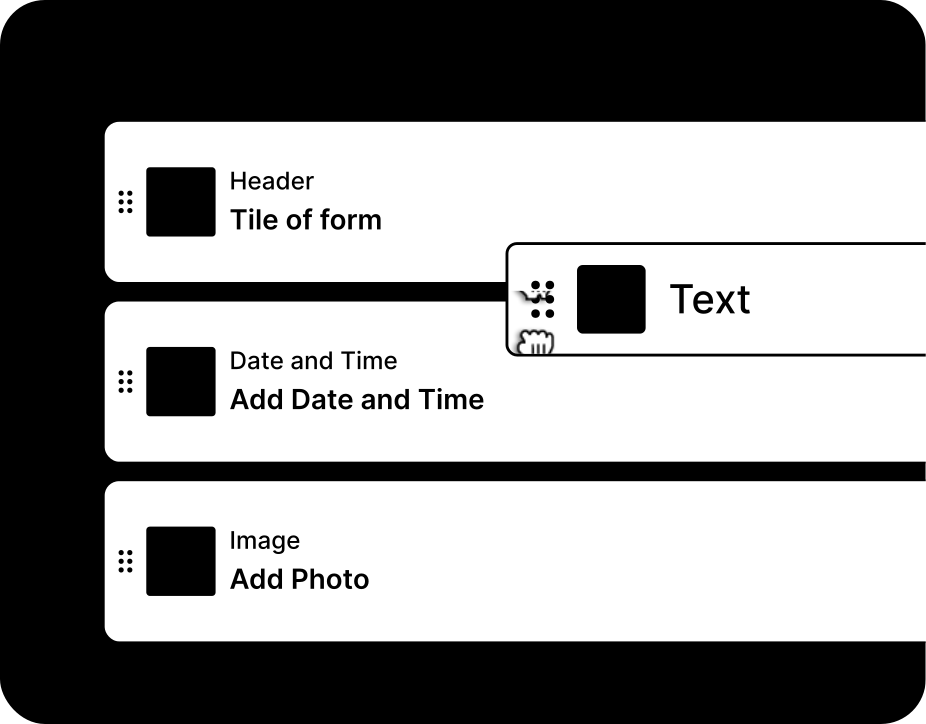
Customise your selected template easily by adding or removing fields.

Paper reports vs digital fault tracking

Compare the advantages of a digital fault reports from MoreApp to paper and spreadsheets

Paper
Spreadsheet
MoreApp
Works offline
No internet needed on-site
On-site signatures
Signatures directly captured on site
Instant branded report
Auto-sent after submission
Photo & GPS capture
Evidence attached to the form
Connects to your tools
Get your data in your other tools

“One of the key advantages was its ease of use: the platform requires no technical knowledge or prior training, allowing for rapid adoption across the entire organisation.”

Jaime Correa, Houer
discover more

Related templates

learn more

Frequently asked questions

Can I use the fault report offline?

Yes, all data is always stored locally on your device, so it will be available when using the app offline.

How can I improve my form report template?

You can customise the reports we offer with our Word and Excel integration, starting from our Branch plan to create professional reports.

Can I connect my form report with other tools?

Yes, MoreApp offers integrations such as our free API, Webhooks, and there is even more possible with automation platforms like Zapier, Make and Power Automate.


Start building your first form.