.svg)
A digital checklist helps businesses in the installation, construction, and industrial sectors track safety regulations and maintenance tasks. By automatically logging important inspection details, you ensure compliance. These checklists are often used for setting up, inspecting, and maintaining industrial equipment and systems. Transform your workflows with MoreApp’s easy-to-use digital checklist solution.




.svg)

Keep track of safety regulations and avoid unexpected failures by performing inspections.

For routine inspections and the installation, repair and maintenance of systems.

Reduce workplace hazards with safety & compliance inspection checklists.

Prevent missed steps and meet all the safety standards with a maintenance checklist.

Our intuitive Platform allows you to create a checklist within minutes. This way you can add custom fields for checkboxes, photo uploads for documentation, and notifications.

Checklists are easily filled in via the App, which can be downloaded from the App Store and Play Store, which means the administrative part can be done in minutes.

Depending on your requirements, you can choose to send PDF, Word, or Excel reports to all involved parties, including the submission data. By integrating MoreApp with other tools, you keep track of your analytics.
If you are looking for a digital solution that boosts efficiency, and productivity and ensures compliance, then MoreApp’s checklists are here for you. Digital checklists allow you to customise your digital form fully. You can make fields required for details that can’t be missed. With a digital checklist, your form can be entirely customised. Generate a PDF report including all the details from these checklists.


Time saved
SPIE’s technicians save up to 20% of time per report.

Time saved daily
GRDF’s technicians no longer spend 2 hours compiling reports.

Incidents reduced
Facilicom achieved 80% reduction in workplace accidents.

.svg)


.svg)
.svg)

Streamline your workflow with MoreApp’s easy-to-use digital checklists, the ultimate solution for transforming challenges into smooth operations. Whether you need a safety, facility, or maintenance checklist, we offer templates designed to meet your needs. MoreApp empowers you to create personalised checklists that align perfectly with industry standards, ensuring efficiency, accuracy, and compliance. Experience the convenience of real-time data collection and help your team to stay organised, no matter where they are.
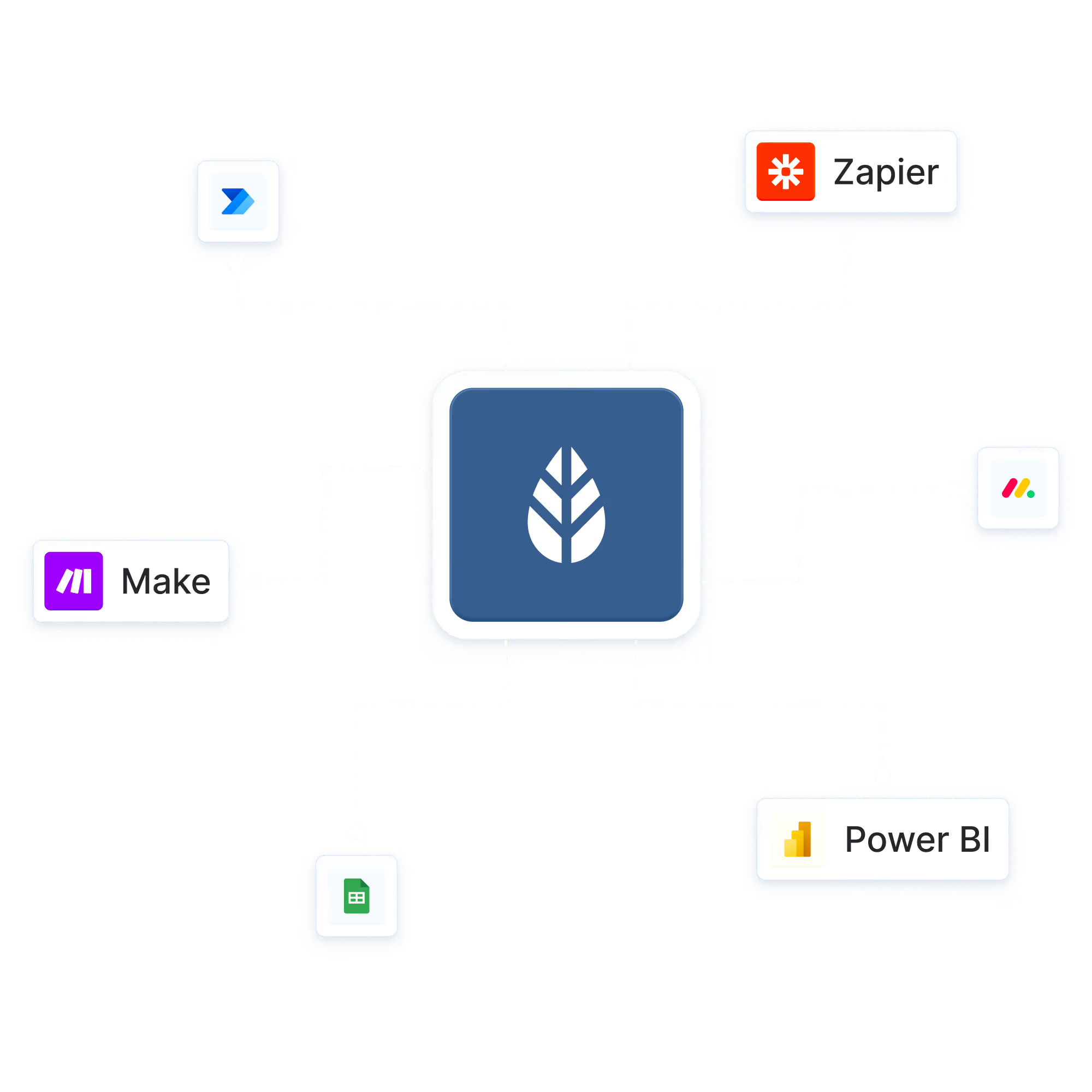
Ensure smooth processes by integrating MoreApp with your current software. Automate preventive maintenance tasks and manage the planning with a field service management tool. MoreApp can be fully integrated with ERP, FSM and CMMS tools. Integrate with tools such as monday.com, Sharepoint, Microsoft and many more.
In the installation and maintenance sector, following ISO 27001 and ISO 27701 standards is essential for data security and compliance. Digital checklists help streamline work order management while ensuring safe and secure data storage. Securely store and manage digital work orders in a centralised location, ensuring easy accessibility while protecting sensitive information. MoreApp is ISO 27001 & ISO 27701 certified, guaranteeing compliance with the highest international security standards, and providing peace of mind that all data is protected.


Ready to improve your field service operations? Getting started with digital checklists is easier than ever! Say goodbye to lost forms and manual errors, our smart, user-friendly checklists help you stay compliant, boost efficiency, and save time. Whether you're in installation, maintenance, or industrial operations, we’ve got a solution tailored for you. Try it out and see the difference!

On our What’s new page, we show our product roadmap and the latest updates across the Platform, App and Form Builder. You can see what we're exploring, what's in development and what's already live, so you always know what's coming next.

Yes. Our API lets you connect MoreApp with your own tools and systems. Automate data flows, push submissions to external platforms and build custom integrations. Combine the API with webhooks to send data to your endpoint in real time. The API is available on all plans.
MoreApp offers several ways to connect. Trigger workflows automatically after each submission with automation platforms like Zapier, Make and Power Automate. Integrate with Microsoft tools such as Power BI, Teams and SharePoint. Or build custom integrations with our public API and webhooks. You can also import your own data as data sources and export results with one click.
Anyone in your team you invite. The App is built for field workers such as inspectors, installers and technicians. It works on iOS, Android and any modern web browser, supports seven languages and works offline. Data is saved locally and synced automatically once you're back online.
In the Platform, you manage everything in one place. You can manage users, permissions, roles and groups, assign and pre-fill tasks, import customer or product data as data sources, review and export submissions and set up integrations. On the Forest plan, you can also manage single sign-on and branding.
The Platform is designed for the people who manage your forms and data, such as account administrators. You can add multiple administrators to manage submissions, tasks, users, groups, forms, data sources, templates, webhooks and single sign-on. Every account also has one Account Owner, who is responsible for billing, account settings and email domain management.
Every submission can generate a PDF, Word or Excel report automatically. Customise your reports with placeholders, hidden fields and your company branding. You can use our Word and Excel integrations to create fully professional reports. Reports can be sent automatically by email with a personalised subject, body and domain.
With our drag-and-drop Form Builder, you can build a form in minutes. Choose from 35+ fields, such as photos, signatures, locations and pins. Use rules to show or hide fields, subforms to reuse parts of forms, and favourites to build even faster. You can also start from one of our ready-to-use templates for specific industries such as Energy & Utilities.
Choose from over 35+ fields (like signatures, photos and pins) to create the form that meets your needs. With pre-filled fields, you make the lives of your users even easier.
You can customise the reports we offer with our Word and Excel integration, starting from our Branch plan to create professional reports.
Yes, MoreApp offers integrations such as our public API, Webhooks, and there is even more possible with automation platforms like Zapier, Make and Power Automate.





.svg)


.svg)
