.svg)
.avif)





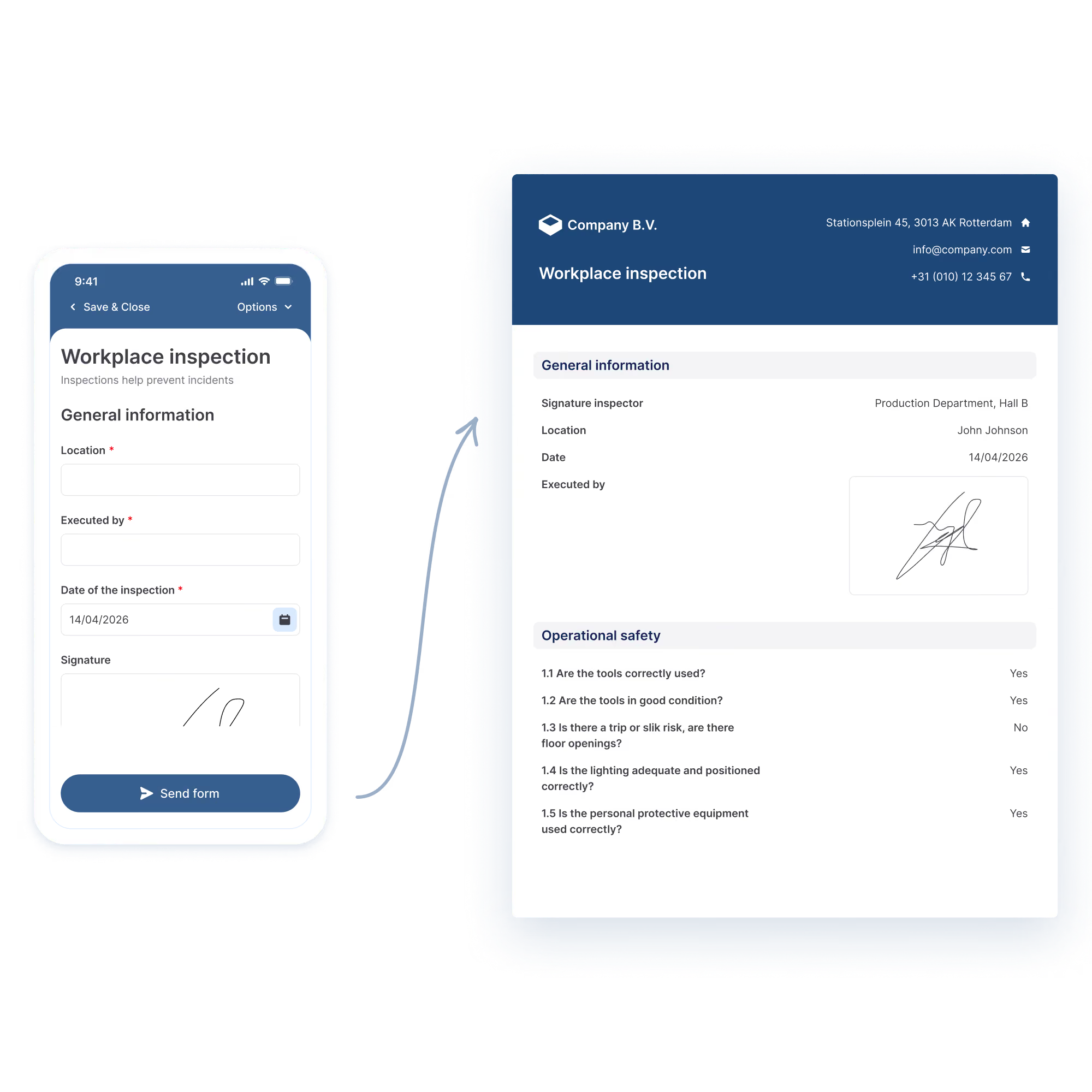
The Word and Excel integrations and PDF customisation with HTML are available in all plans. Need a custom report? Get in touch with our team.
Yes. Go to the Submissions tab, click the green checkmark of a submission and click Download report. If you delete the default email, the PDF report is no longer available to download.

Choose the image quality: Original, High, Medium or Low. If an email is bigger than 19 MB, the report is added as a download link that stays valid for 7 days.
You choose fixed recipients, dynamic recipients from an Email field in the form, or the person who filled out the form. You can also add CC and BCC addresses.
Yes. Add a separate tab, for example Raw Values, with the placeholders. Formulas on the other tabs refer to those cells, because a placeholder can't be used directly in a formula.
Yes. Choose PDF as the output format. The report then uses the default MoreApp font. If the PDF doesn't look right, create the Word template with LibreOffice.
Use the data name of each field. Most fields use {dataname}. Photo and Signature fields use {%dataname}, and in Word also File and Drawing fields. A subform opens with {#dataname} and closes with {/dataname}.
Use Word when the report needs your own layout, fonts or house style, or when you want a table of catalogue items with totals. If you are not familiar with HTML, Word is the easiest way to change the design.
No. MoreApp creates a PDF report for every form automatically. In the Email tab you can change the filename, hide fields that are not filled in and add a header with your logo.