.svg)


.png)
Want SSO in the Tree plan or more accounts in Forest? Get in touch with our team.
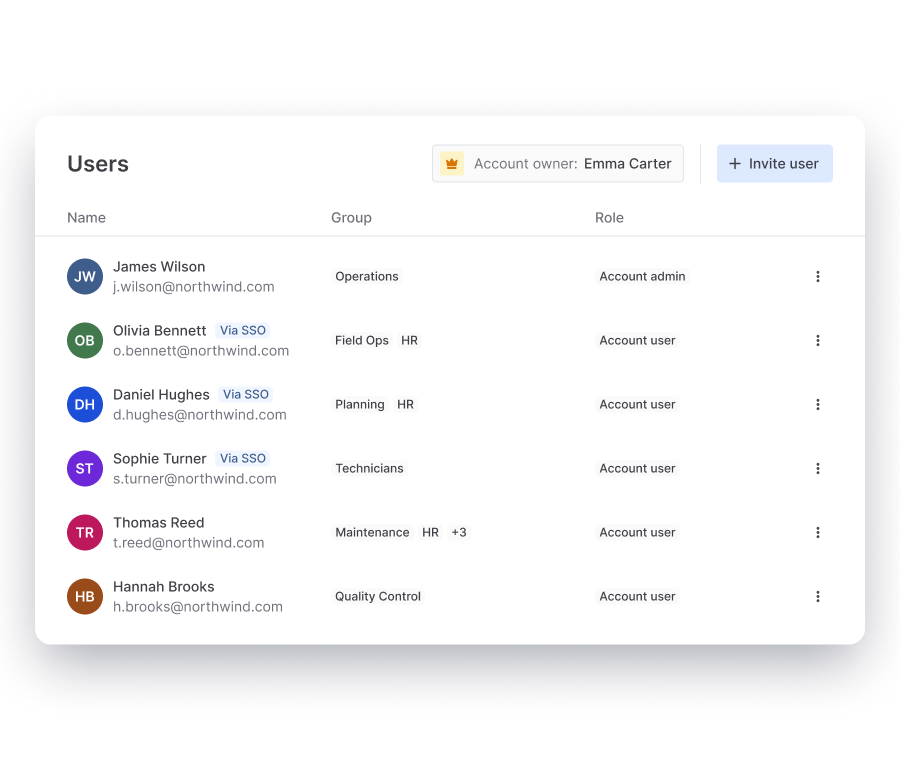
Yes. You can add as many Account administrators as you need. Every account has one Account owner, who is responsible for billing, account settings and email domain management.

You can adjust their permissions in the Platform. Adding, updating, suspending and deleting these users and groups happens in your directory, and the changes sync automatically within a few hours. You can still create regular users and groups next to them.
Single sign-on with Directory Sync is included in the Forest plan. In the Tree plan, you can purchase it as an add-on. Get in touch with our team to add it.
Advanced user management lets you create custom roles with exactly the permissions you choose, for example a role that can only manage tasks. It is available in the Tree and Forest plans.
Go to Users, click Invite user and choose Multiple users. Upload an Excel file with all email addresses in the first column, then select the language, role and group. Invites expire after 30 days.
A group is a set of users, such as a team or region. A role is a set of permissions. You give a role to a user or a group, at account, folder or form level.
No. You can add an unlimited number of users on every plan, at no extra cost. You pay for the plan and its submissions.
Roles and permissions make sure people only access the forms, submissions and data they need for their work. You see per form and folder who has access, and administrator rights stay with a few people. That keeps governance part of your daily routine instead of a separate project.