.svg)
Our features are designed with you in mind. Create smarter and more complex forms with innovative and user-friendly solutions.
Manage all form-related enquiries, users and other features like single sign-on efficiently within the Platform.

In control by managing permissions, roles and groups.

Adapted to seven languages for clear communication.

Apply structure and consistency to tasks and boost workflows.

Import your customer or product-related data automatically.

Export your results with one click and connect with other tools.

Set up integrations with submission triggers and actions.

A personalised Platform and App that represent your brand.

Let users and groups easily log in with your identity provider.
Get started without training. With fields, features, and ready-to-use industry templates, you can create forms faster, safer, and easier.
Our Form Builder is accessible for everyone, no coding skills needed.

Show or hide fields with conditional logic that helps create structured forms.

A great variety of pro fields open doors to innovative solutions.

Automate your emails with a personalised subject, body, report and domain.

Customise reports with placeholders, hidden fields and branding.

Reuse parts of forms with subforms and simplify large forms.

Use your favourite fields and create forms even faster.

Mark fields as required or use remember input for repetitive data.
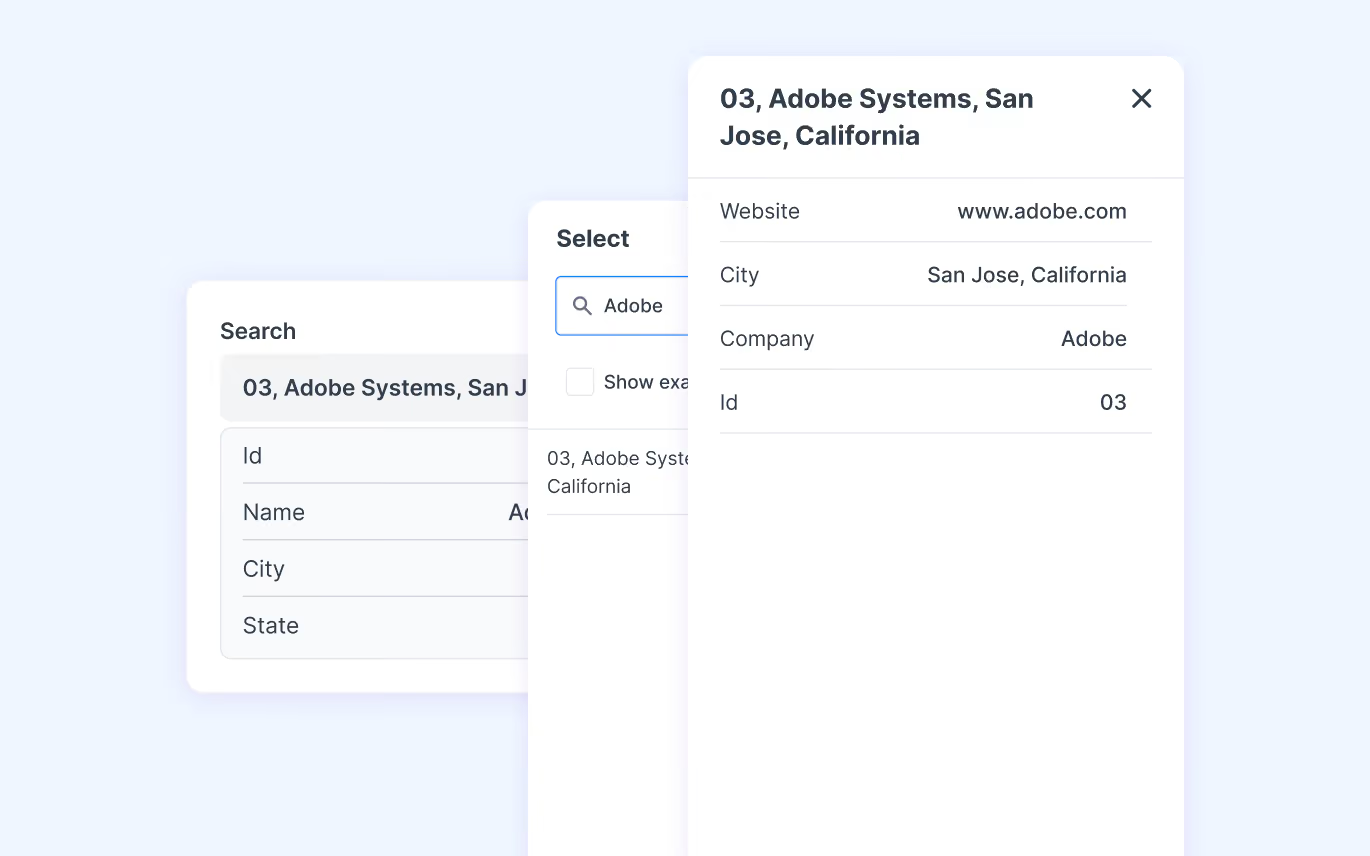
Avoid showing users data they don't need by searching in imported data and filtering results.
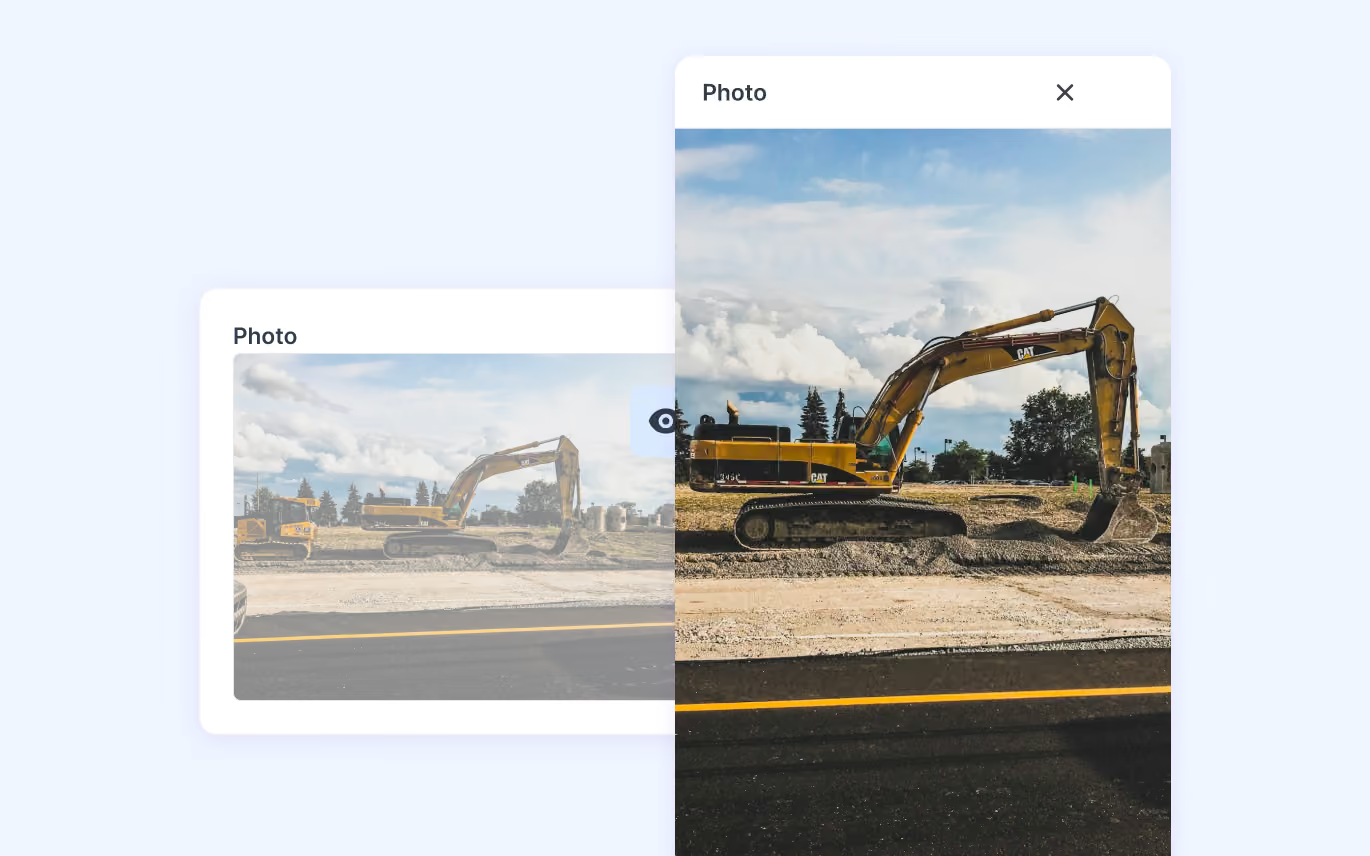
Capture photos directly with the App or add images from your library. Photos will be visible in the report.
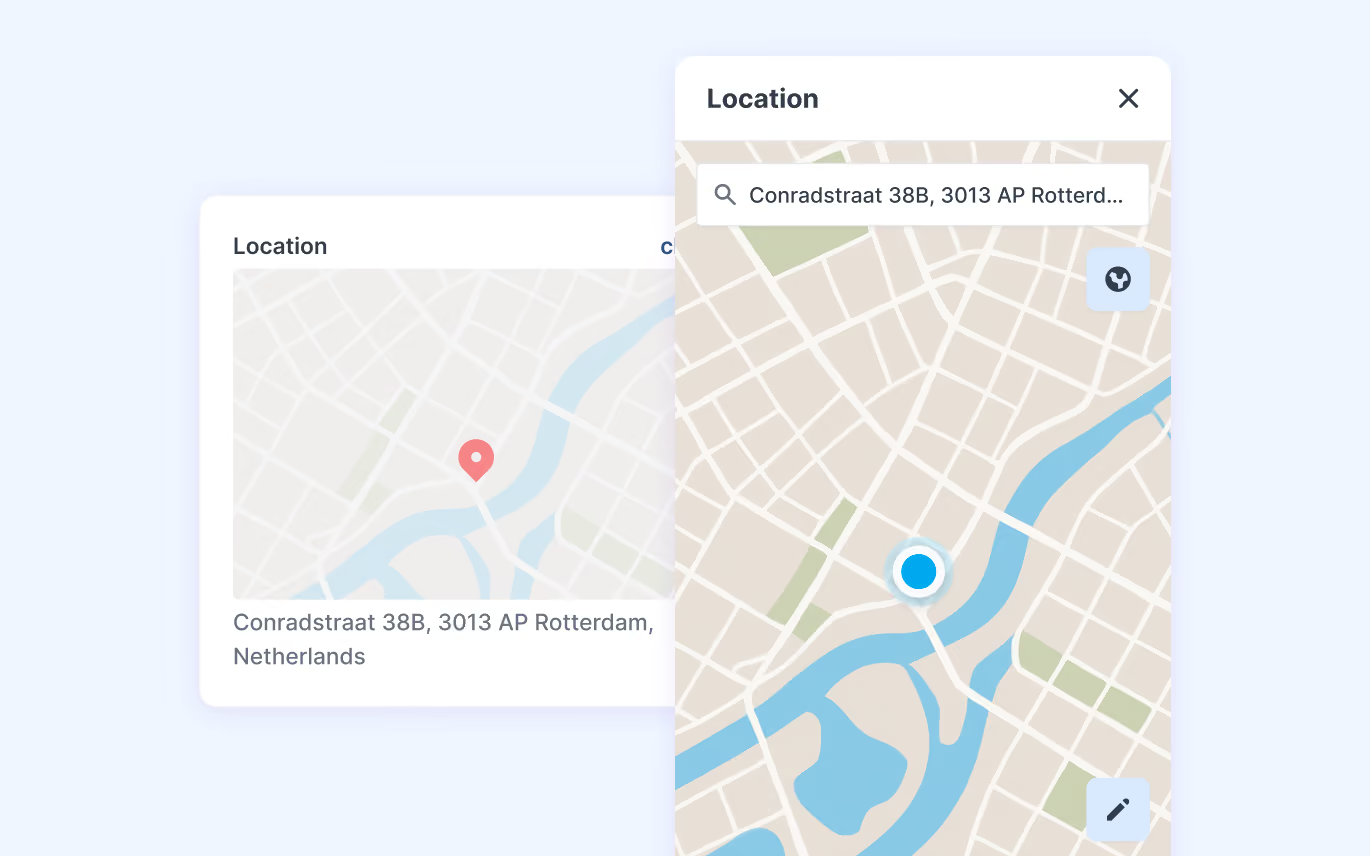
Pin specific points on a map with GPS or use satellite view.
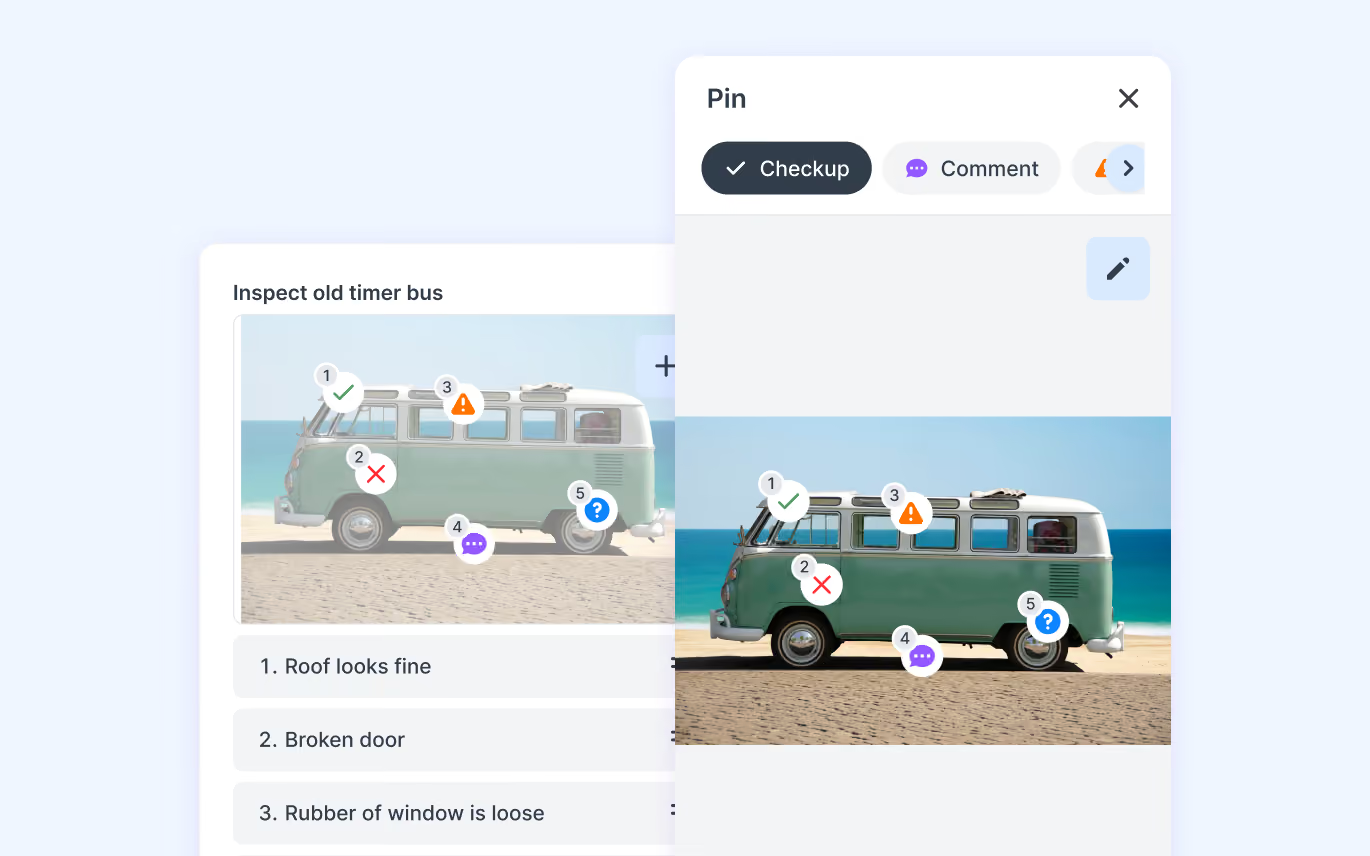
Easily pinpoint positions on a map, floor, plan, photos or drawings.
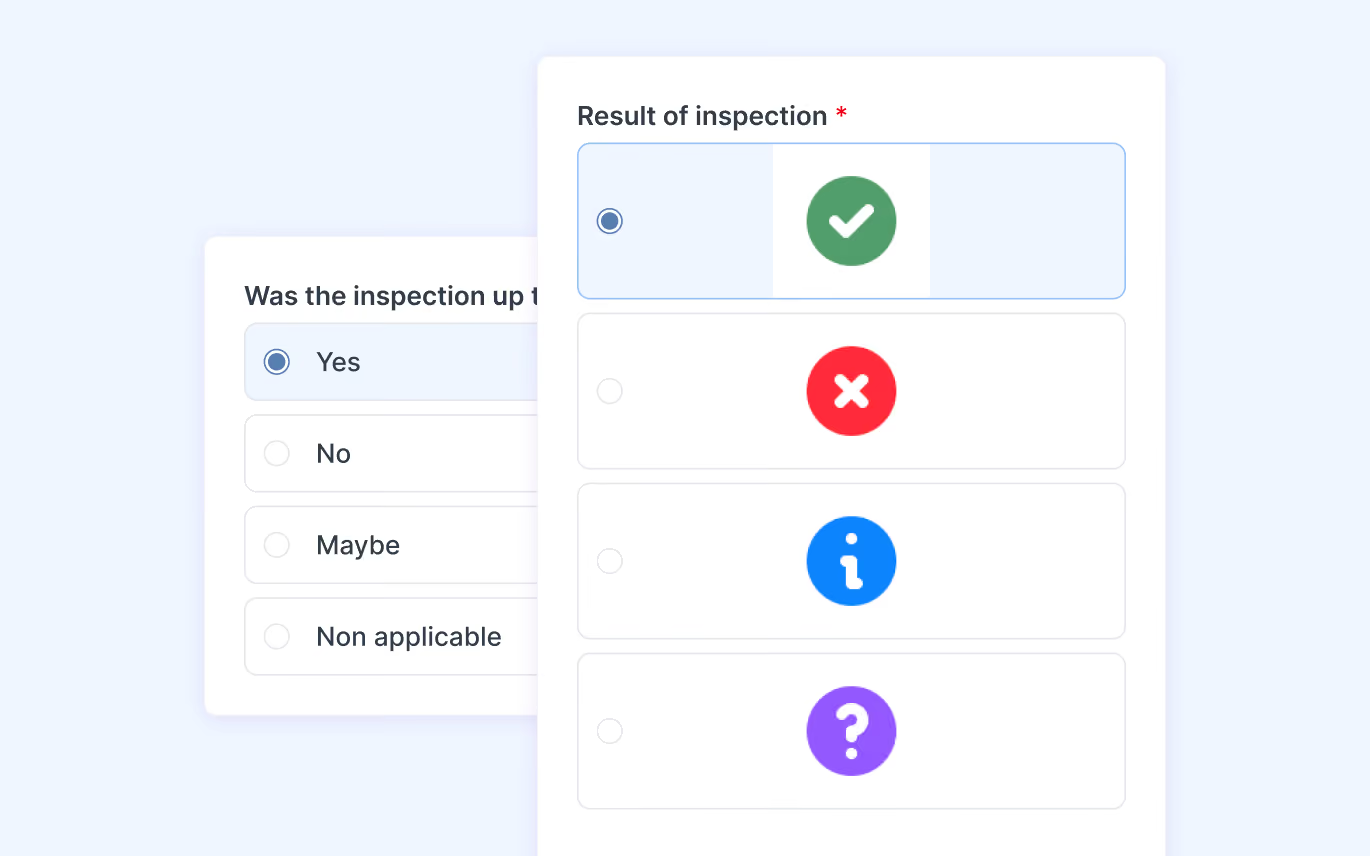
Give users a list of predefined options, images or emojis.
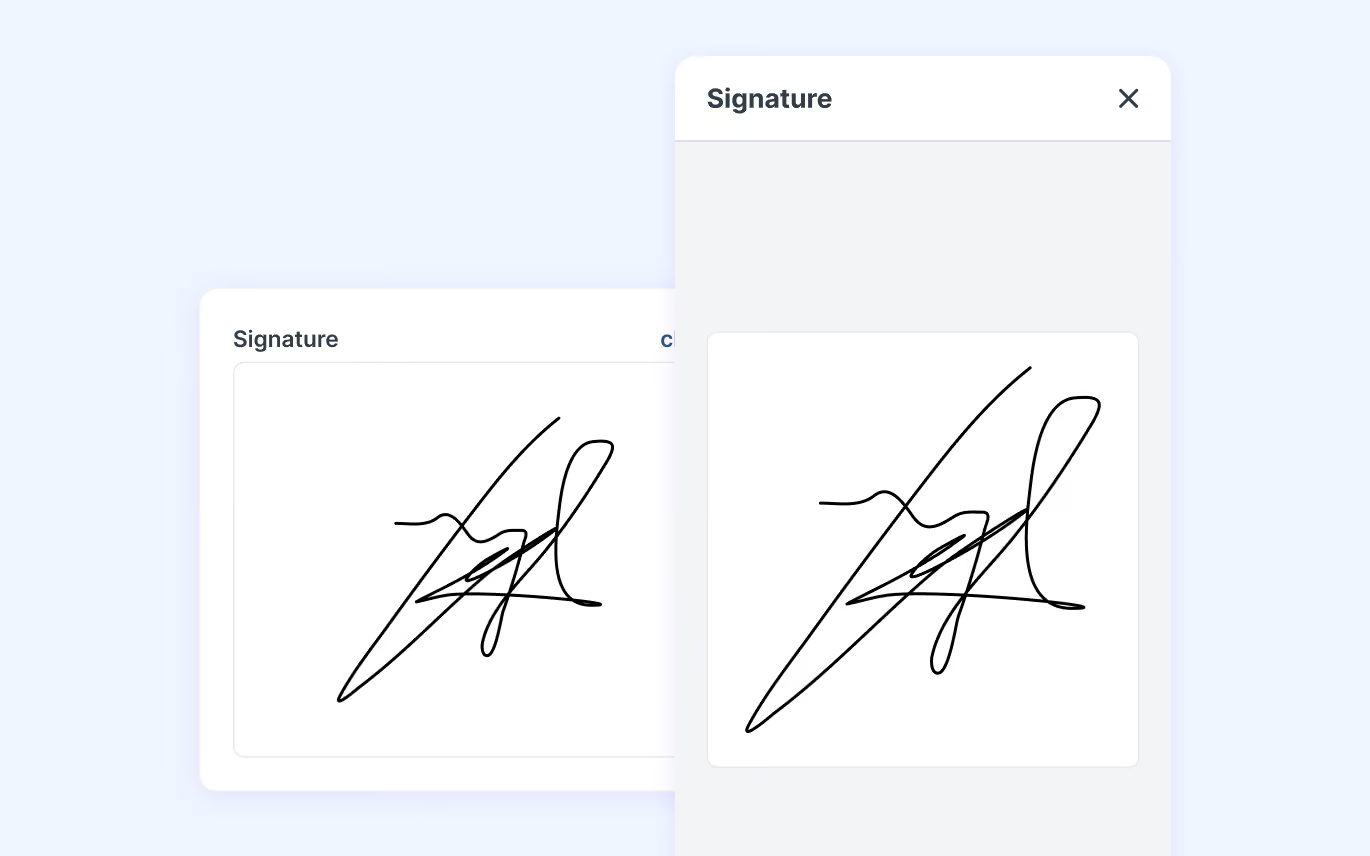
Allow users to insert a signature into the form for immediate approval.
We are proud that our customers describe our App as user-friendly and even more proud of increasing efficiency during field operations.

No internet? No problem! Our App works in the most remote conditions.

Send push notifications for tasks that need to be done first.
Inform all departments automatically with real-time data and reports.

Never again lose any work as all devices are synchronised.

Proof of work is ensured with photos, location details and signatures.
Easily switch between languages. The App supports seven languages.
Have your own company's icon, name, description and colours in the App.

Start with a form and finish your draft later, no work is lost.
Take pictures, track locations, scan barcodes, place signatures, and more.
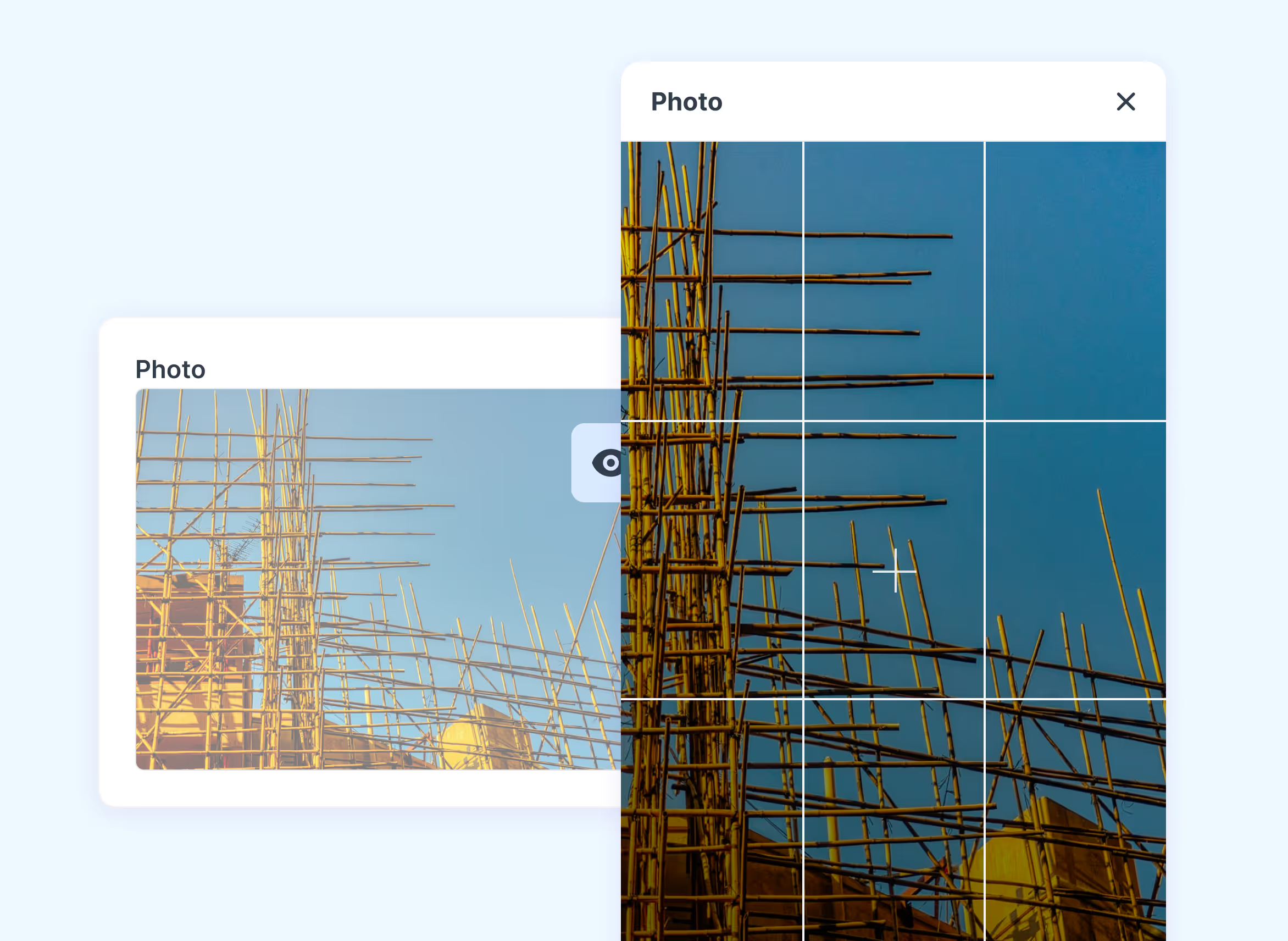
Capture fails during inspections. Pictures will be added to the report.

Pin a specific location to maps or add your current location with GPS.
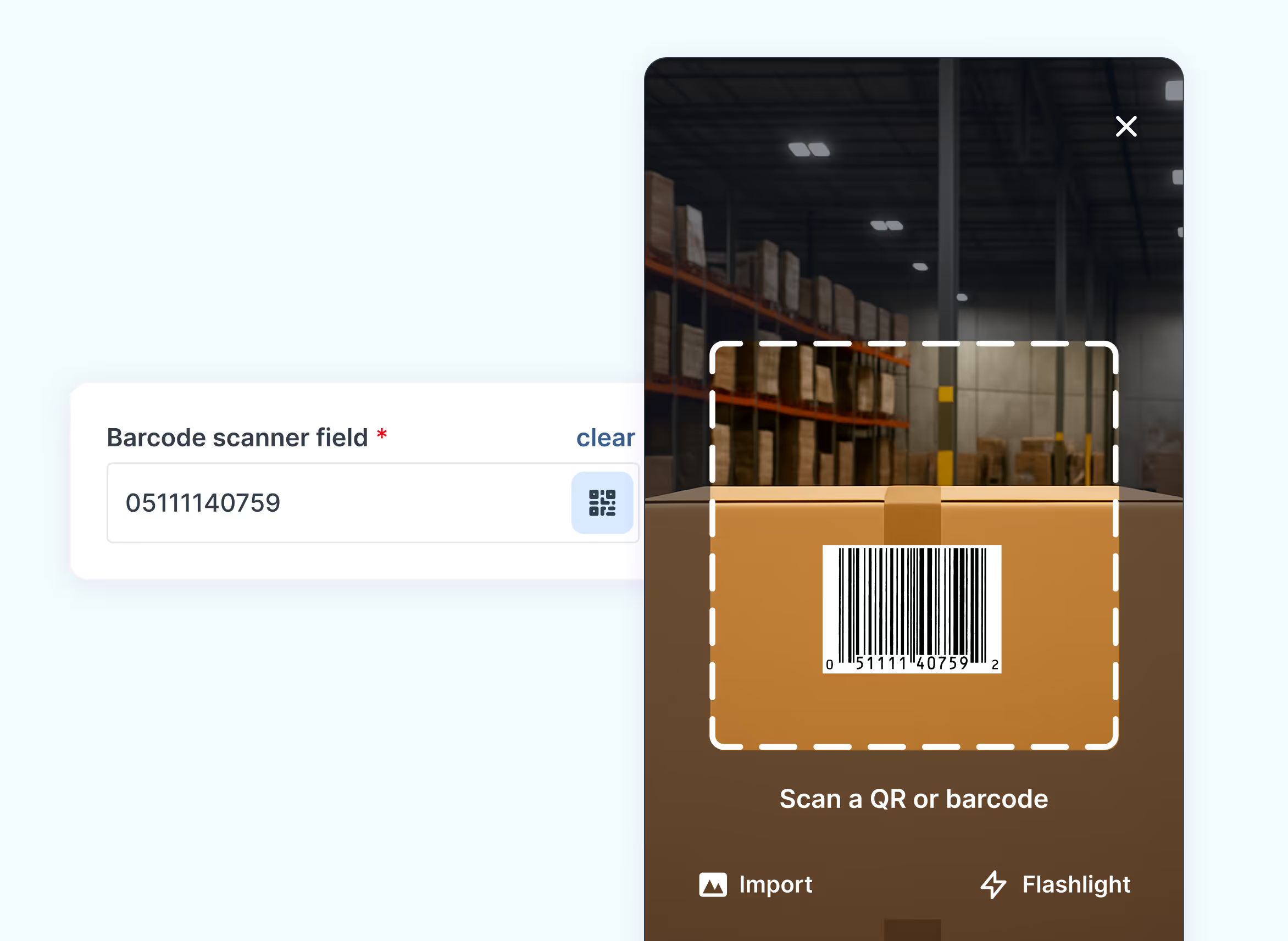
Work more efficiently with QR codes that directly open your form.

Security is our highest priority. Your company data is fully secure and compliant with us. We are ISO certified, and our hosting is EU-based.
More about securityOn our What’s new page, we show our product roadmap and the latest updates across the Platform, App and Form Builder. You can see what we're exploring, what's in development and what's already live, so you always know what's coming next.

Yes. Our API lets you connect MoreApp with your own tools and systems. Automate data flows, push submissions to external platforms and build custom integrations. Combine the API with webhooks to send data to your endpoint in real time. The API is available on all plans.
MoreApp offers several ways to connect. Trigger workflows automatically after each submission with automation platforms like Zapier, Make and Power Automate. Integrate with Microsoft tools such as Power BI, Teams and SharePoint. Or build custom integrations with our public API and webhooks. You can also import your own data as data sources and export results with one click.
Anyone in your team you invite. The App is built for field workers such as inspectors, installers and technicians. It works on iOS, Android and any modern web browser, supports seven languages and works offline. Data is saved locally and synced automatically once you're back online.
In the Platform, you manage everything in one place. You can manage users, permissions, roles and groups, assign and pre-fill tasks, import customer or product data as data sources, review and export submissions and set up integrations. On the Forest plan, you can also manage single sign-on and branding.
The Platform is designed for the people who manage your forms and data, such as account administrators. You can add multiple administrators to manage submissions, tasks, users, groups, forms, data sources, templates, webhooks and single sign-on. Every account also has one Account Owner, who is responsible for billing, account settings and email domain management.
Every submission can generate a PDF, Word or Excel report automatically. Customise your reports with placeholders, hidden fields and your company branding. You can use our Word and Excel integrations to create fully professional reports. Reports can be sent automatically by email with a personalised subject, body and domain.
With our drag-and-drop Form Builder, you can build a form in minutes. Choose from 35+ fields, such as photos, signatures, locations and pins. Use rules to show or hide fields, subforms to reuse parts of forms, and favourites to build even faster. You can also start from one of our ready-to-use templates for specific industries such as Energy & Utilities.
Choose from over 35+ fields (like signatures, photos and pins) to create the form that meets your needs. With pre-filled fields, you make the lives of your users even easier.
You can customise the reports we offer with our Word and Excel integration, starting from our Branch plan to create professional reports.
Yes, MoreApp offers integrations such as our public API, Webhooks, and there is even more possible with automation platforms like Zapier, Make and Power Automate.