Kostenlose Vorlage

Fault report

Capture and manage faults directly from the field

Report faults and incidents digitally, including location, affected equipment, severity, photos, and on-site findings. Record corrective actions directly in the field and automatically generate a professional report once the form is submitted.

0 Min
Bearbeitungszeit nach dem Absenden
100%
offline verfügbar
sofort
Markenbericht gesendet
Keine Kreditkarte erforderlich
In 2 Minuten live
G2 Logo
4.4
auf G2
App Store logo
4.5
auf iOS
Google Play Store logo
4.7
auf Android
👆

Tippen Sie hier, um es selbst auszuprobieren

Kundengeschichten lesen

What is a fault report?

A Fault Report Template is a digital form used to report, assess, and document faults affecting utility infrastructure or equipment. It can be used after power outages, gas leaks, damaged cables or pipes, equipment failures, meter faults, or other issues that require inspection and repair. The template provides a consistent process for recording incident details, identifying the affected asset, describing the fault, assessing its severity, and documenting immediate actions taken. Technicians can attach photos, GPS locations, measurements, and additional notes while on-site, creating a complete record of the incident. Digital fault reporting improves communication between field teams and the back office, helps prioritise repairs, and creates a traceable maintenance history. It also reduces paperwork and ensures critical information is available immediately after a fault is reported.
integrations mockup

Alles in einem System

MoreApp ist das All-in-One-System, mit dem Sie Daten auf übersichtliche Weise erfassen, verwalten und verknüpfen können.

Markenberichte

Sobald das Formular abgeschickt wird, wird ein vollständig ausgefüllter Bericht im PDF- oder Word-Format erstellt.

Verbinden Sie ihre Systeme

Integrieren Sie MoreApp über nahtlose Anbindungen in Ihre Systeme.

Offline arbeiten

Keine Internetverbindung? Kein Problem! Füllen Sie die Formulare offline aus und synchronisieren Sie die Daten später.

Alle Daten erfassen

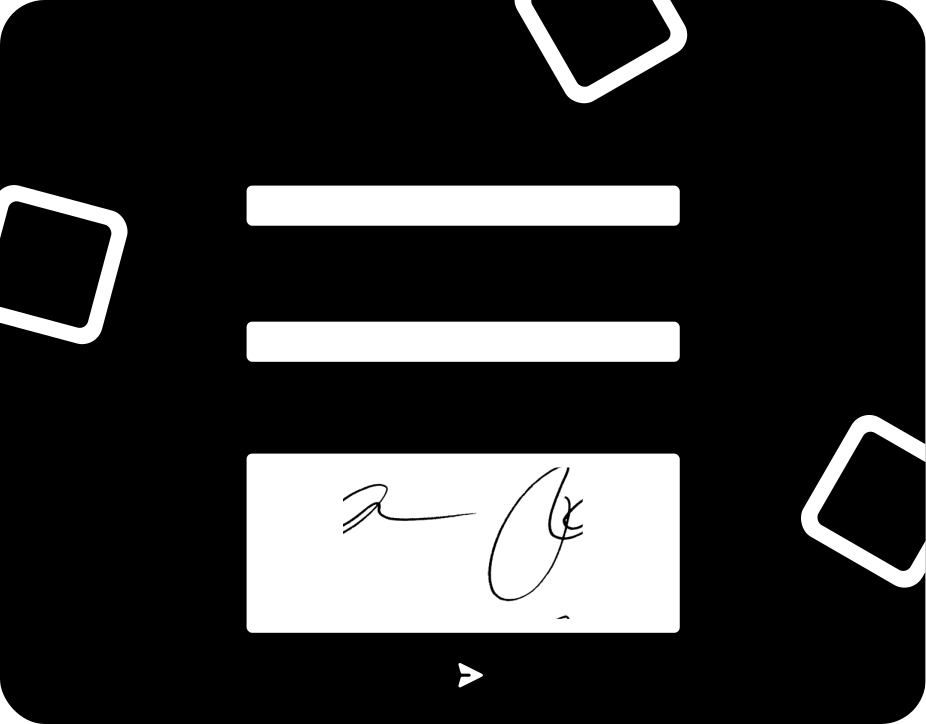
Nutzen Sie über 35 Felder, darunter Fotos und Unterschriften, um alle Ihre Daten zu erfassen.
integrations mockup

Key elements of this fault report

The Fault Report includes all the information needed to document and manage utility faults efficiently. Inspectors can record the incident date, time, location, work order, and affected asset or equipment. The template includes fields for fault category, severity level, and a detailed description of the issue, supporting use cases such as power outages, gas or water leaks, damaged cables or pipes, meter faults, and equipment failures. GPS coordinates and photos provide accurate evidence of the fault location and condition. Technicians can document measurements, temporary safety actions, service interruptions, and recommended corrective actions before leaving the site. Additional fields allow teams to assign responsibility, schedule follow-up work, and collect digital signatures. Once completed, the report is automatically converted into a professional PDF and securely stored, creating a complete maintenance and compliance record for future reference.
Wie es funktioniert

Wie man eine Vorlage auswählt

1. Anmelden auf der Plattform

Melden Sie sich auf der Plattform an, gehen Sie zu Formularen und wählen Sie die Option, ein neues Formular zu erstellen.

2. Vorlage auswählen

Suchen und wählen Sie eine der Vorlagen aus den verschiedenen Kategorien.

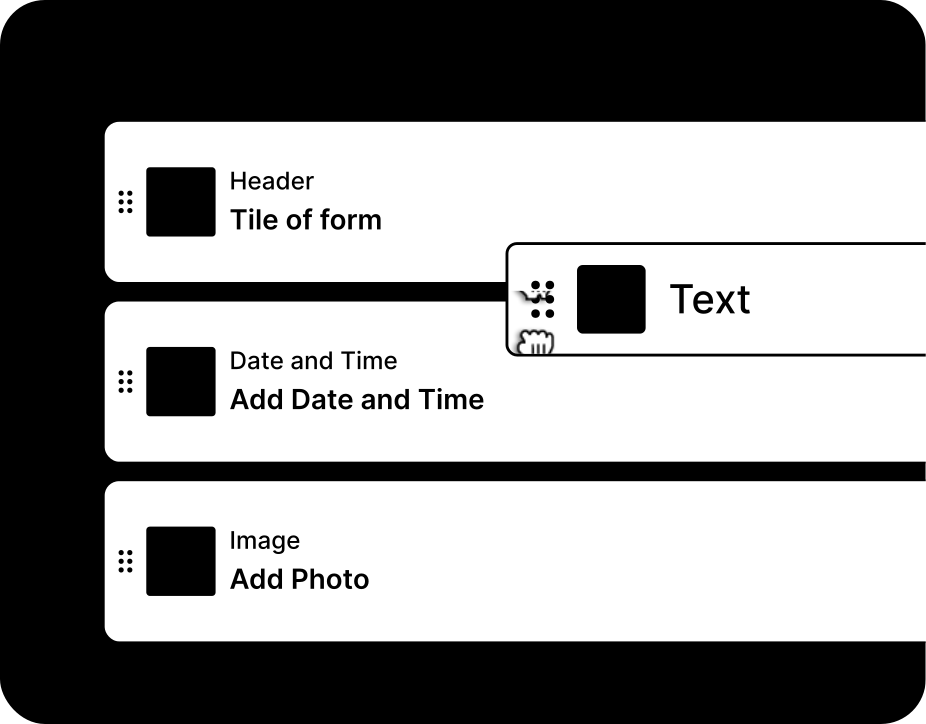
3. Felder ändern

Passen Sie Ihre ausgewählte Vorlage einfach an, indem Sie Felder hinzufügen oder entfernen.

Paper reports vs digital fault tracking

Compare the advantages of a digital fault reports from MoreApp to paper and spreadsheets

Papier
Tabelle
MoreApp
Funktioniert offline
Vor Ort ist kein Internet erforderlich
Unterschriften vor Ort
Direkt vor Ort erfasste Unterschriften
Sofortiger Markenbericht
Wird nach dem Absenden automatisch versendet
Foto- und GPS-Aufzeichnung
Dem Formular beigefügte Nachweise
Lässt sich an Ihre Systeme anschließen
Greifen Sie auf Ihre Daten in Ihren anderen Systemen zu

“One of the key advantages was its ease of use: the platform requires no technical knowledge or prior training, allowing for rapid adoption across the entire organisation.”

Jaime Correa, Houer
Mehr entdecken

Verwandte Vorlagen

Mehr erfahren

Häufig gestellte Fragen

Can I use the fault report offline?

Ja, alle Daten werden immer lokal auf Ihrem Gerät gespeichert, so dass sie auch verfügbar sind, wenn Sie die App offline nutzen.

How can I improve my form report template?

Sie können Ihre Berichte mit unserer Word- und Excel-Integration anpassen, beginnend ab unserem Zweig-Plan zur Erstellung professioneller Berichte.

Can I connect my form report with other tools?

Ja, MoreApp bietet Integrationen wie unsere öffentliche API, Webhooks, und noch mehr ist möglich mit Automatisierungsplattformen wie Zapier, Make und Power Automate.


Erstellen Sie Ihr erstes Formular.