Gratis template

Fault report

Capture and manage faults directly from the field

Report faults and incidents digitally, including location, affected equipment, severity, photos, and on-site findings. Record corrective actions directly in the field and automatically generate a professional report once the form is submitted.

0 min
admin-tijd na indienen
100%
offline beschikbaar
direct
branded report verzonden
Geen creditcard nodig
Live binnen 2 minuten
G2 Logo
4.4
op G2
App Store logo
4.5
op iOS
Google Play Store logo
4.7
op Android
👆

Tik om zelf te proberen

Lees klantverhalen

What is a fault report?

A Fault Report Template is a digital form used to report, assess, and document faults affecting utility infrastructure or equipment. It can be used after power outages, gas leaks, damaged cables or pipes, equipment failures, meter faults, or other issues that require inspection and repair. The template provides a consistent process for recording incident details, identifying the affected asset, describing the fault, assessing its severity, and documenting immediate actions taken. Technicians can attach photos, GPS locations, measurements, and additional notes while on-site, creating a complete record of the incident. Digital fault reporting improves communication between field teams and the back office, helps prioritise repairs, and creates a traceable maintenance history. It also reduces paperwork and ensures critical information is available immediately after a fault is reported.
integrations mockup

Alles in één tool

MoreApp is de all-in-one tool waarmee je data kunt vastleggen, beheren en koppelen op een gestructureerde manier.

Branded rapporten

Een volledig opgemaakt PDF- of Word-rapport wordt direct na het indienen van het formulier gegenereerd.

Koppel je tools

Integreer MoreApp met je systemen via naadloze koppelingen.

Offline werken

Geen verbinding? Geen probleem! Vul formulieren offline in en synchroniseer de data later.

Leg alle data vast

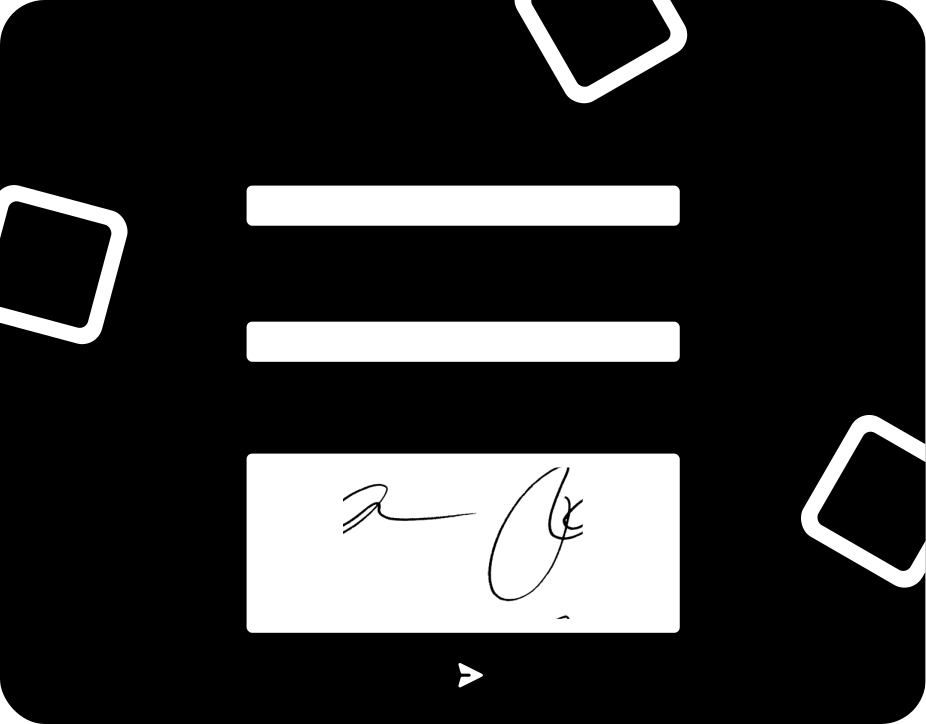
Gebruik meer dan 35 velden, waaronder foto’s en handtekeningen, om al je data vast te leggen.
integrations mockup

Key elements of this fault report

The Fault Report includes all the information needed to document and manage utility faults efficiently. Inspectors can record the incident date, time, location, work order, and affected asset or equipment. The template includes fields for fault category, severity level, and a detailed description of the issue, supporting use cases such as power outages, gas or water leaks, damaged cables or pipes, meter faults, and equipment failures. GPS coordinates and photos provide accurate evidence of the fault location and condition. Technicians can document measurements, temporary safety actions, service interruptions, and recommended corrective actions before leaving the site. Additional fields allow teams to assign responsibility, schedule follow-up work, and collect digital signatures. Once completed, the report is automatically converted into a professional PDF and securely stored, creating a complete maintenance and compliance record for future reference.
Hoe het werkt

Hoe je een template selecteert

1. Log in op het Platform

Log in op het Platform, ga naar formulieren en selecteer de optie om een nieuw formulier te maken.

2. Selecteer template

Zoek en selecteer een van de templates uit verschillende categorieën.

3. Wijzig velden

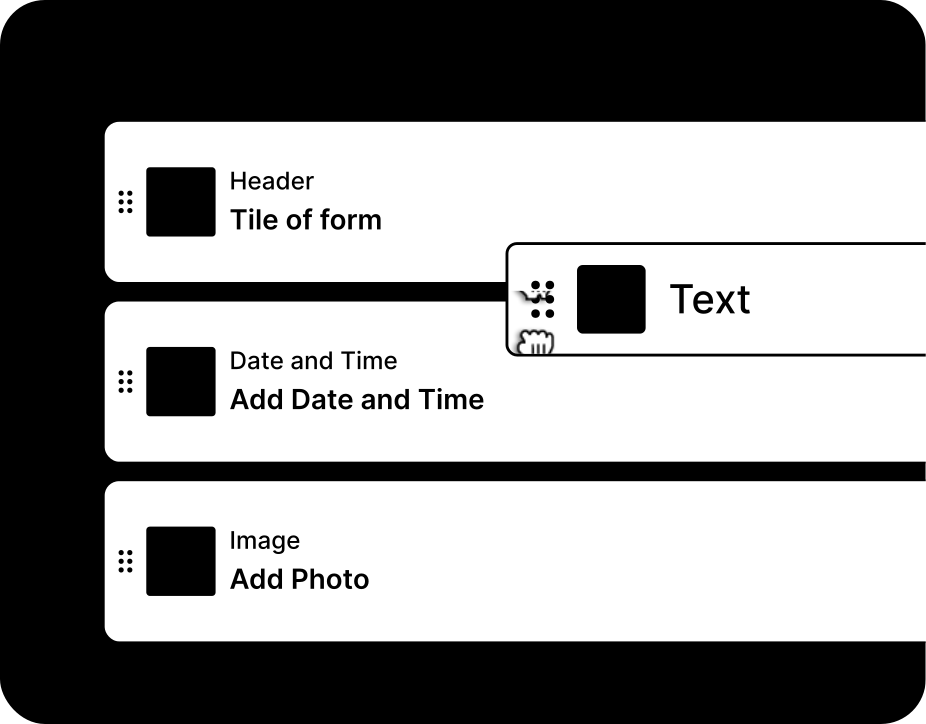
Personaliseer je geselecteerde template eenvoudig door het toevoegen of verwijderen van velden.

Paper reports vs digital fault tracking

Compare the advantages of a digital fault reports from MoreApp to paper and spreadsheets

Papier
Spreadsheet
MoreApp
Werkt offline
Geen internet nodig op locatie
Handtekeningen op locatie
Handtekeningen direct ter plaatse vastgelegd
Direct branded rapport
Automatisch verzonden na indienen
Foto- en GPS-registratie
Bewijs gekoppeld aan het formulier
Koppelt met je tools
Toegang tot je data in andere systemen

“One of the key advantages was its ease of use: the platform requires no technical knowledge or prior training, allowing for rapid adoption across the entire organisation.”

Jaime Correa, Houer
Ontdek meer

Gerelateerde templates

kom meer te weten

Veelgestelde vragen

Can I use the fault report offline?

Ja, alle gegevens worden altijd lokaal op je apparaat opgeslagen, zodat ze beschikbaar zijn wanneer je de App offline gebruikt.

How can I improve my form report template?

Met onze Word- en Excel-integraties kun je jouw rapporten volledig aanpassen en professionaliseren. Deze features zijn beschikbaar vanaf het Branch-abonnement.

Can I connect my form report with other tools?

Ja, MoreApp biedt verschillende integratiemogelijkheden, zoals onze openbare API en Webhooks. Daarnaast is er nog veel meer mogelijk via automatiseringsplatformen zoals Zapier, Make en Power Automate.


Begin met het maken van je eerste formulier.