Free template

Expense claim

From on-site visit to signed expense claim in minutes

Stop chasing receipts. Log expenses as they happen, attach photos on the go, and submit a complete, branded expense claim the moment you are back at base.

0 min
admin time after submitting
100%
offline available
instant
branded report sent
No credit card needed
Live in 2 minutes
4.4
on G2
4.5
on iOS
4.7
on Android
👆

Tap to try it yourself

Read customer stories

What is an expense claim template?

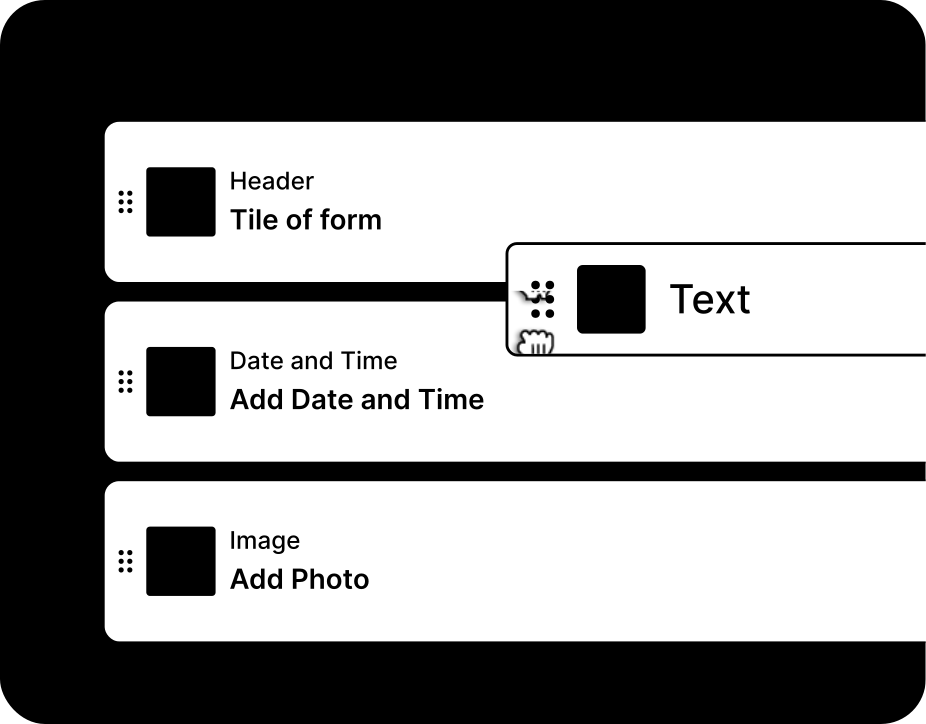
An expense claim app is designed for employees who incur expenses on behalf of the company. With MoreApp's online Form Builder, you can create your own custom expense claim app. Easily add details such as the name, date, and time to the form. Capture a photo of the receipt as proof of the expense directly within the app. Employees can quickly and efficiently complete their claims, digitising the entire reimbursement process and eliminating the hassle of paper receipts. The app functions both online and offline, ensuring flexibility and convenience. Once a claim is submitted, a report is generated in real-time and automatically forwarded to the administration for immediate payment processing. This streamlined approach enhances efficiency and accuracy in managing expense claims.

integrations mockup

Everything in one tool

MoreApp is the all-in-one tool that allows you to capture, manage, and connect data in an organised manner.

Branded reports

A fully prepared PDF or Word report is generated as soon as the form is submitted.

Connect your tools

Integrate MoreApp with your systems through seamless connections.

Work offline

No connection? No problem! Complete forms offline and sync the data later.

Capture all data

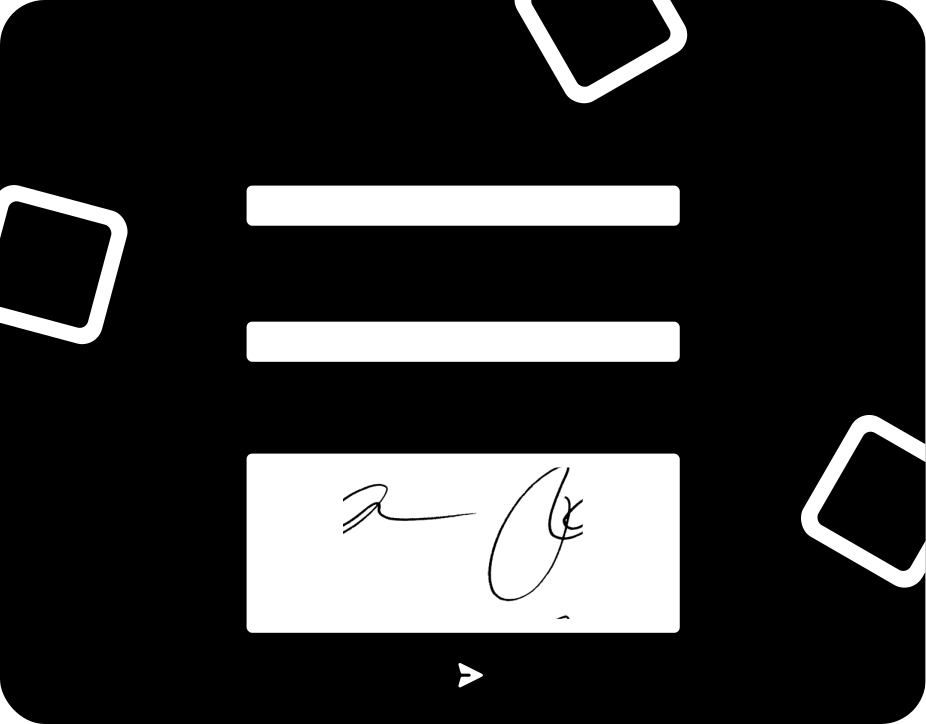
Use over 35 fields, including photos and signatures, to capture all your data.
integrations mockup

Key elements of this expense claim

The expense claim app by MoreApp is designed to simplify and enhance the process of claiming expenses. Key elements of this template include the ability to work offline, ensuring that you can submit claims anytime, anywhere. The app automatically adds the date and time to each entry, providing accurate record-keeping. You can also add the GPS location for additional context and attach receipts directly within the app. These features collectively ensure that your expense claims are thorough, efficient, and convenient, making the reimbursement process seamless and user-friendly.

How it works

How to select a template

1. Log in to Platform

Log in to the Platform, go to forms and select the option to create a new form.
2. Select template

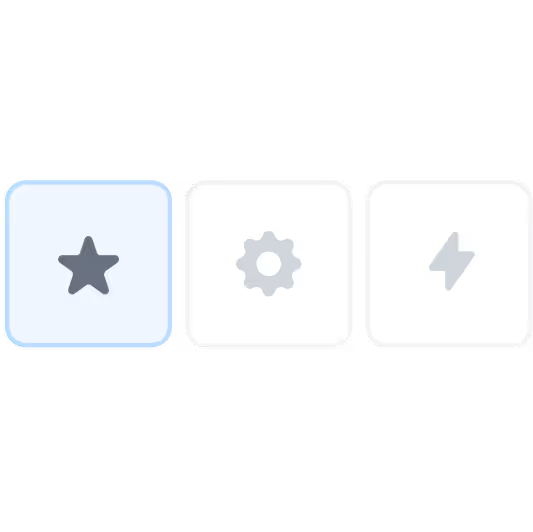
Search and select one of the templates from the different categories.
3. Change fields

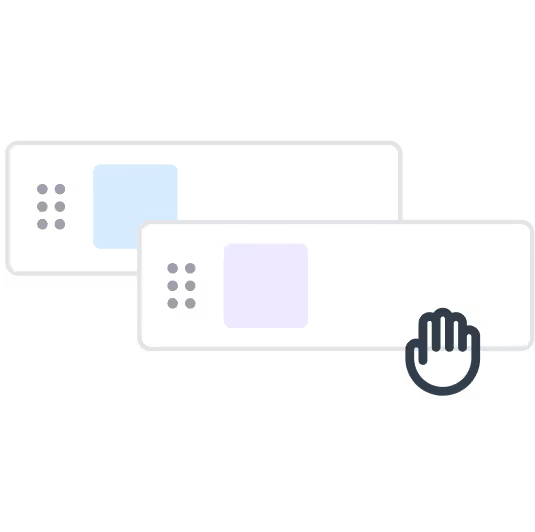
Customise your selected template easily by adding or removing fields.

MoreApp's expense claim vs. the old way

Compare the advantages of a digital expense claim from MoreApp to paper and spreadsheets.

Paper
Spreadsheet
MoreApp
Works offline
No internet needed on-site
On-site signatures
Signatures directly captured on site
Instant branded report
Auto-sent after submission
Photo & GPS capture
Evidence attached to the form
Connects to your tools
Get your data in your other tools

"MoreApp works very intuitively. No difficult courses are needed to learn how it works. The possibilities are endless!"

DIBA Groep
A floor system company from the Netherlands
discover more

Related templates

Oops, it looks like we still need to create templates for this category. 
learn more

Frequently asked questions

Can I use the digital expense claim template offline?

Yes, all data is always stored locally on your device, so it will be available when using the app offline.

Icon - Elements Webflow Library - BRIX Templates

How can I improve my digital expense claim report?

You can customise the reports we offer with our Word and Excel integration, starting from our Branch plan to create professional reports.

Icon - Elements Webflow Library - BRIX Templates

Can I connect my digital expense claim with other tools?

Yes, MoreApp offers integrations such as our free API, Webhooks, and there is even more possible with automation platforms like Zapier, Make and Power Automate.

Icon - Elements Webflow Library - BRIX Templates

Start building your first form.