Free template

Maintenance report

From on-site visit to signed maintenance report in minutes

Log every repair, part, and observation while it's fresh. Send a detailed maintenance report straight from the field with no desk, no delay, and no data loss.

0 min
admin time after submitting
100%
offline available
instant
branded report sent
No credit card needed
Live in 2 minutes
4.4
on G2
4.5
on iOS
4.7
on Android
👆

Tap to try it yourself

Read customer stories

What is a maintenance report?

MoreApp’s maintenance reports are an easy way to digitise processes. During maintenance, your technicians can add all important information and take photos. Select our ready-to-use template for your maintenance report or build your own form. The MoreApp Form Builder offers a variety of options and widgets to personalise your maintenance report. After completing the form, you can configure the email and PDF. The PDF will automatically be generated and sent via email. Customise your reports to match the company’s branding, enhancing professionalism and efficiency in your operations.

integrations mockup

Everything in one tool

MoreApp is the all-in-one tool that allows you to capture, manage, and connect data in an organised manner.

Branded reports

A fully prepared PDF or Word report is generated as soon as the form is submitted.

Connect your tools

Integrate MoreApp with your systems through seamless connections.

Work offline

No connection? No problem! Complete forms offline and sync the data later.

Capture all data

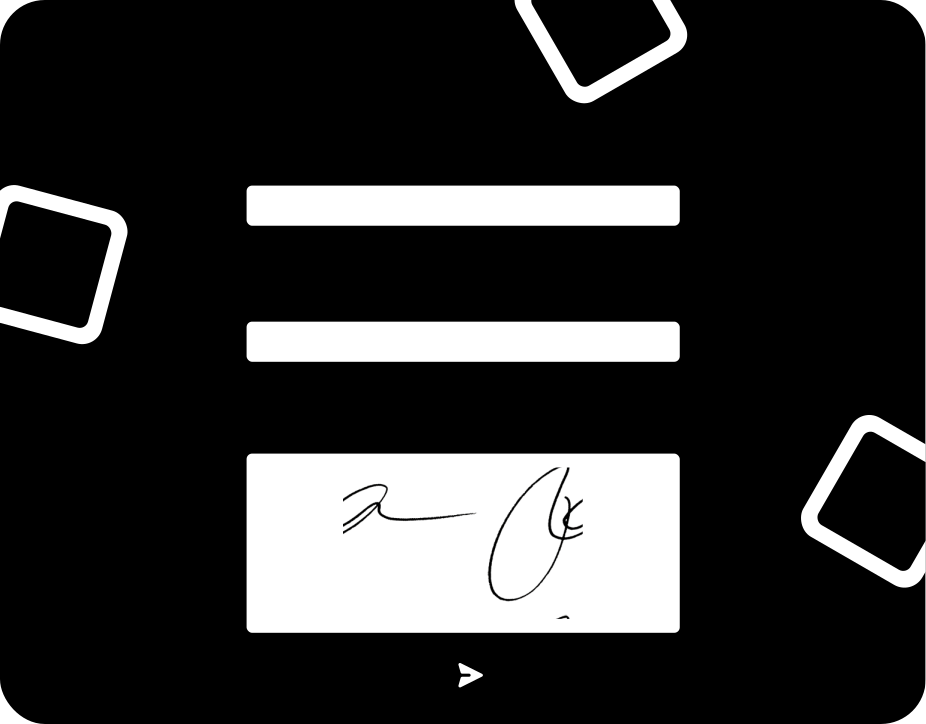
Use over 35 fields, including photos and signatures, to capture all your data.
integrations mockup

Key elements of this maintenance report

The key elements of this maintenance report template include customisable widgets for adding photos, notes, and signatures, real-time data collection and monitoring, seamless integration with management software, and versatile accessibility options. These features enable you to efficiently create and manage maintenance reports, enhancing overall productivity and professionalism in your field service operations.

How it works

How to select a template

1. Log in to Platform

Log in to the Platform, go to forms and select the option to create a new form.

2. Select template

Search and select one of the templates from the different categories.

3. Change fields

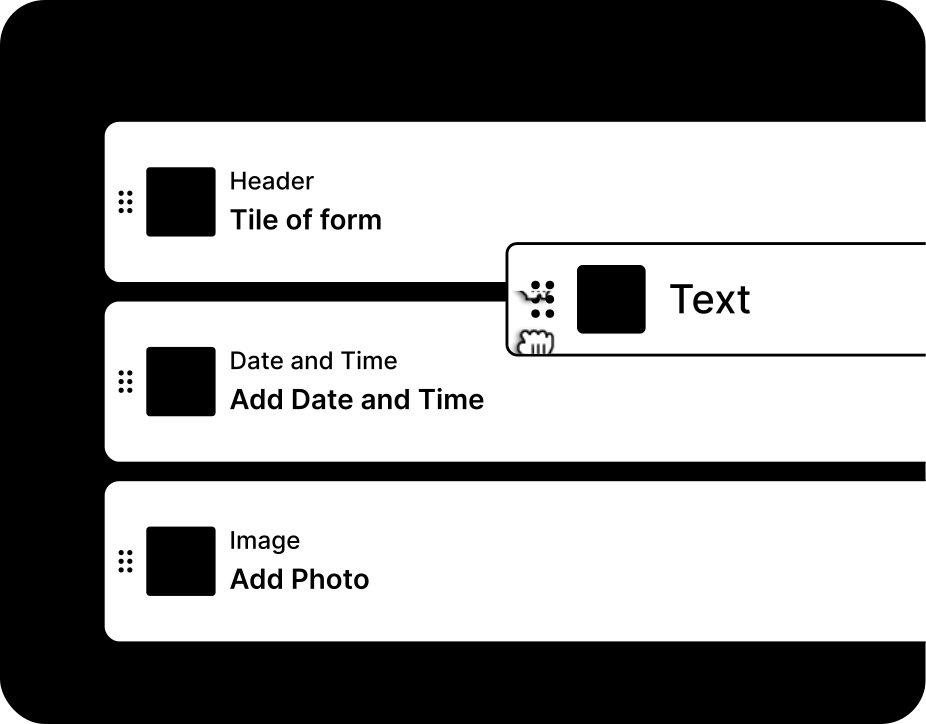
Customise your selected template easily by adding or removing fields.

MoreApp's maintenance report vs. the old way

Compare the advantages of a digital maintenance report from MoreApp to paper and spreadsheets.

Paper
Spreadsheet
MoreApp
Works offline
No internet needed on-site
On-site signatures
Signatures directly captured on site
Instant branded report
Auto-sent after submission
Photo & GPS capture
Evidence attached to the form
Connects to your tools
Get your data in your other tools

"With this user-friendly app, you will start a digital revolution within any company. The support team is very helpful and replies quickly. I highly recommend this app!"

Van Baarsen
Underground pipeline and cable infrastructure
discover more

Related templates

learn more

Frequently asked questions

Can I use the digital maintenance report template offline?

Yes, all data is always stored locally on your device, so it will be available when using the app offline.

Icon - Elements Webflow Library - BRIX Templates

How can I improve my digital maintenance report?

You can customise the reports we offer with our Word and Excel integration, starting from our Branch plan to create professional reports.

Icon - Elements Webflow Library - BRIX Templates

Can I connect my digital maintenance report with other tools?

Yes, MoreApp offers integrations such as our free API, Webhooks, and there is even more possible with automation platforms like Zapier, Make and Power Automate.


Icon - Elements Webflow Library - BRIX Templates

Start building your first form.